Welcome to the MyLeague App!
MyLeague is the trusted companion for Club Rugby League, Schools and Social Rugby League. Don't miss a minute of the action and stay up to date with your followed teams.
1. Keep track of matches, follow their favourite teams, season progress and watch live streams.
2. Be notified of any changes to matches
3. enjoy auto-populated club and competition results based on your device location for a quicker, more personalised experience. This is great for travellers, FIFO and defence force personnel.
4. stay updated with the latest Rugby League news
5. harness skills with our coaching videos library - favourite them, plan your coaching sessions and save for later.
How to follow a team
On the MyLeague App you will be able to follow all your favourite teams to find out when they are playing next and match statuses. By adding your team under your profile, your Match Centre will centralise to include information about the teams you specifically favourite. There are two ways to select your favourite teams in the MyLeague App.
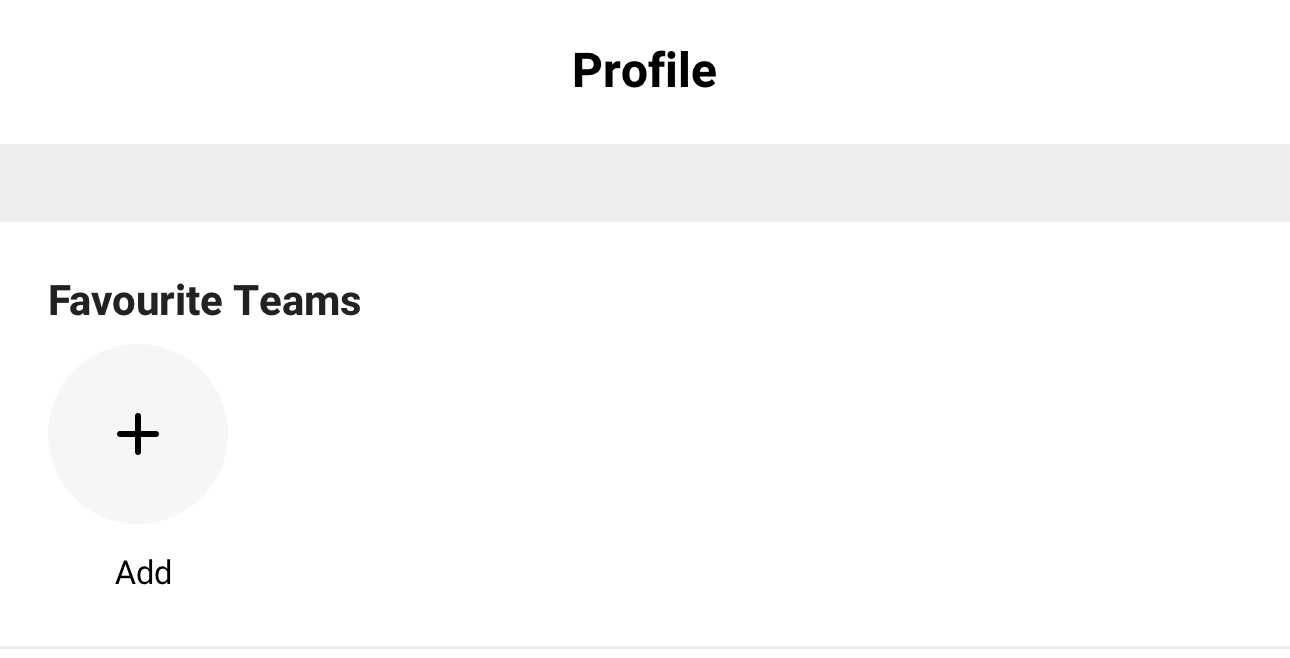
1. On your profile
Head to the profile section in the bottom menu bar, and click the + icon under "Favourite Teams" to get started. Once you find your club of choice, all available age groups and divisions will be presented for you to favourite. When you've selected your team/(s) and a green tick appears, you can head back out and find them loaded on your profile.
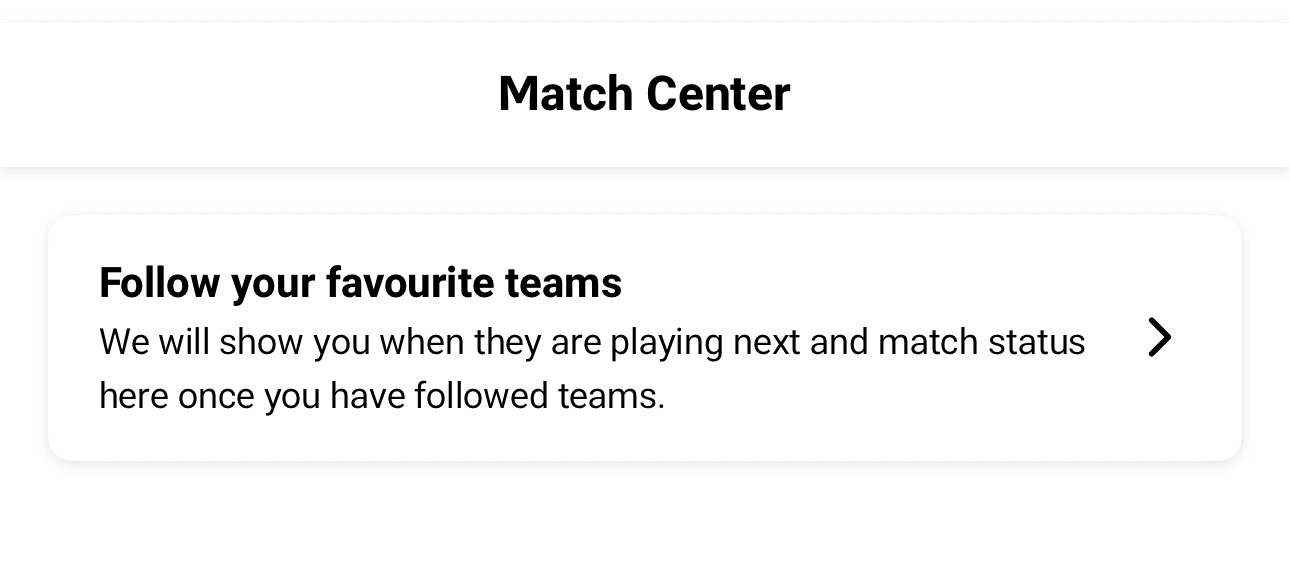
2. Search through the Match Centre.
Head to the Match Centre in the bottom menu bar, and click the "Follow your favourite teams" section to get started. Use the search function to locate your club and team. Once you find your club of choice, all available age groups and divisions will be presented for you to favourite. When you've selected your team/(s) and a green tick appears, you can head back out and find them loaded on your profile.
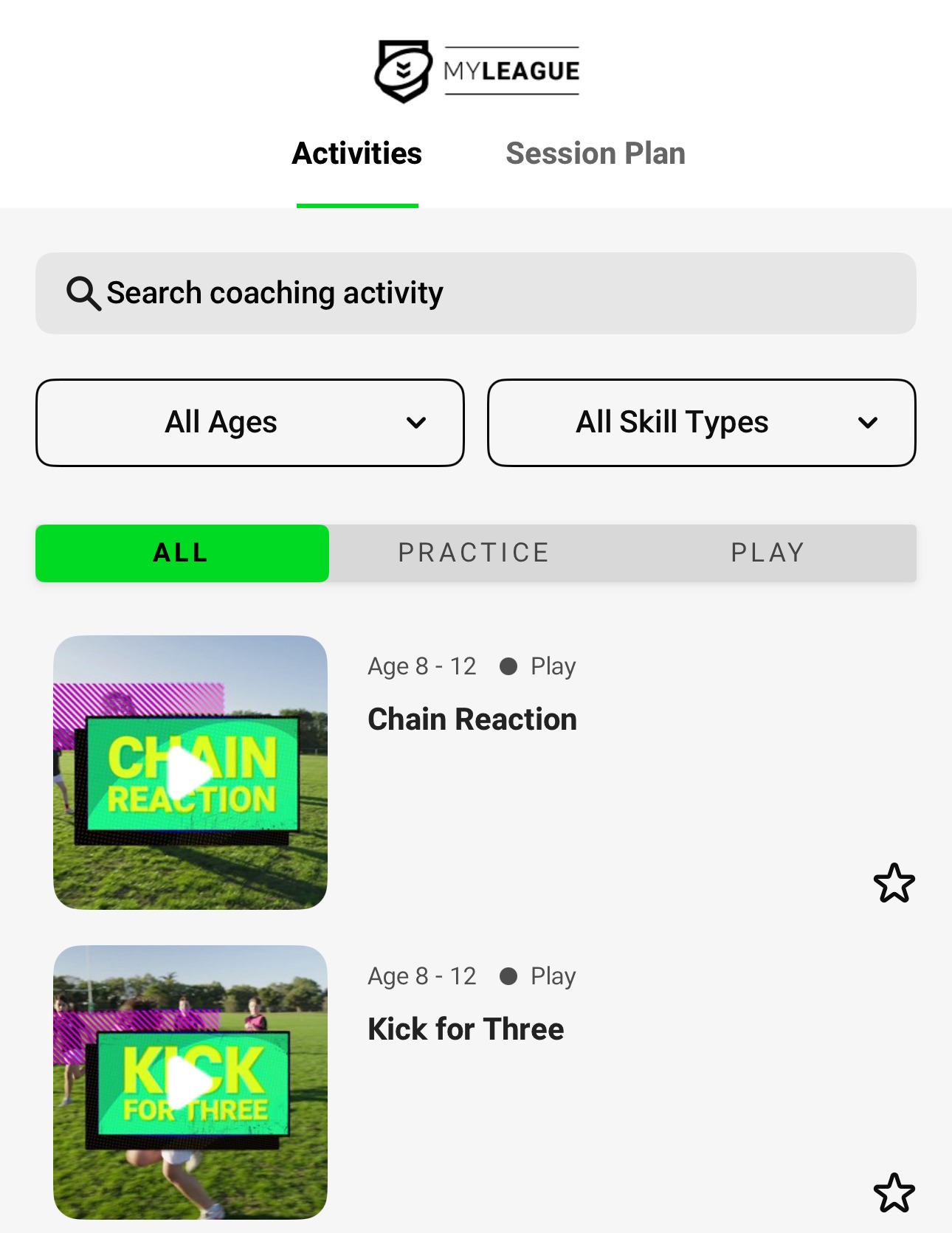
Putting together a session plan?
The MyLeague App offers a wide range of services for ALL Rugby league participants, including coaching staff. The Coaching tab is a Rugby League Gold Mine for coaches who would like session inspiration, activity ideas and age-specific development drills. To access these, head to the Coaching tab in the bottom right menu. There you will be presented with a search function as well as age, drill and skill type filters to narrow your search. When searching for specific drills and activities, you will be presented with the title of each drill, and when selected, a video and written explanation will appear for coaching staff to learn the mechanics of these drills before teaching them. Coaches can utilise these in their session plans, as favouriting them (by clicking the star ☆ icon next to each title) will automatically save them to the "Session Plan" tab for later use.
Videos - favourite a video, share a video
The Video tab in the bottom menu will lead you to a range of educational training videos to be utilised by all participants of Rugby League in training on and off the field. Videos can be searched in the main search bar and differentiated based on age, role and topic of focus in training. Specific videos can also be found in the favourites tab, which you can manage by clicking the star icon ☆ underneath your desired video to save there for future reference. In order to share videos with others, you must open up your video of choice and click the Upload icon in the top right-hand side. You will then be offered a range of apps to share your chosen video with friends on.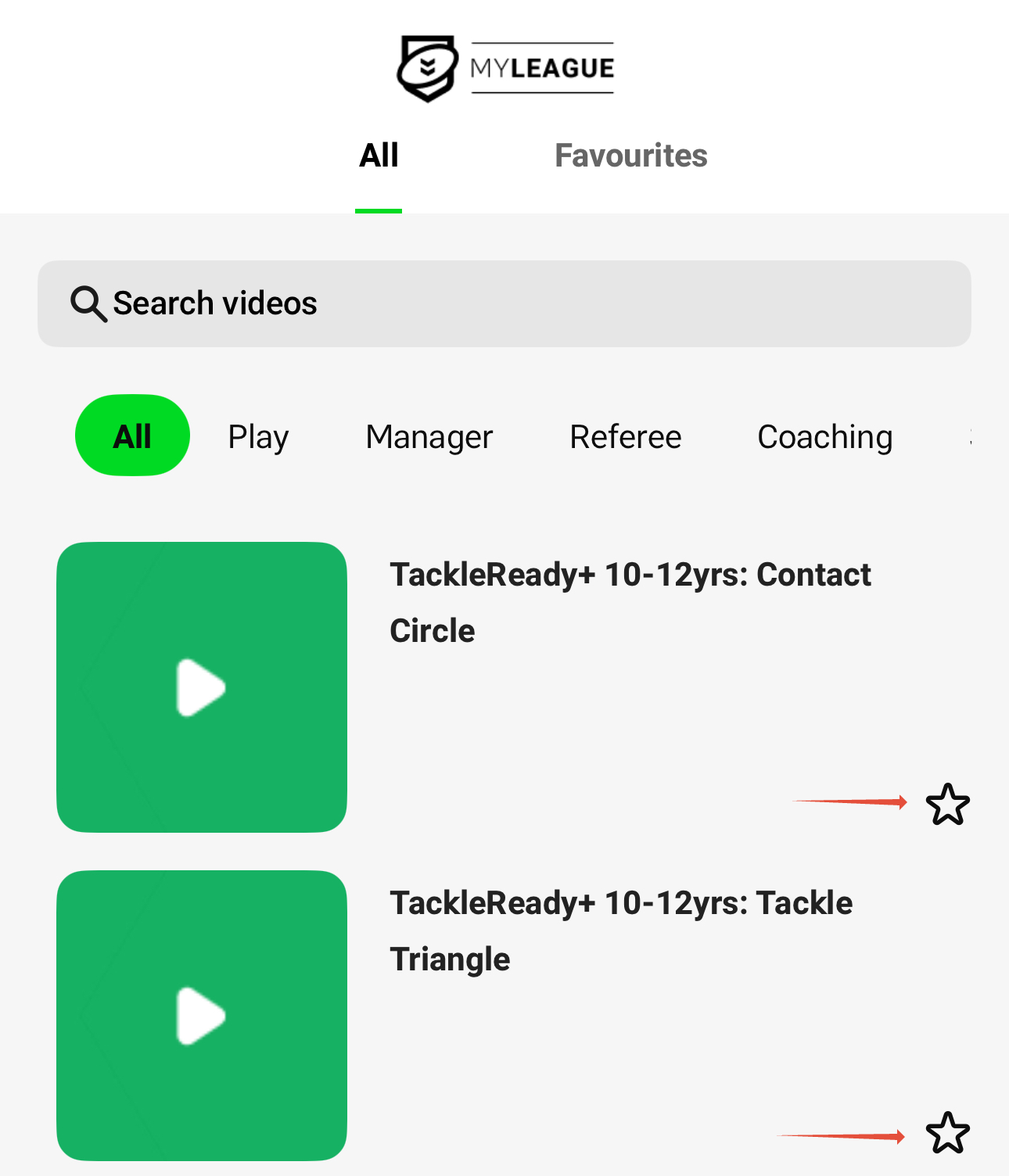
Share a match
The match centre allows participants to view upcoming and played matches for their followed teams. To access and share details of a match (played or upcoming) with others, you must head to the Match Centre tab in the bottom menu and use the filters to locate the specific match you are looking for. Once found, click on the tab featuring the correct details of that match, and use the Upload icon to share to others.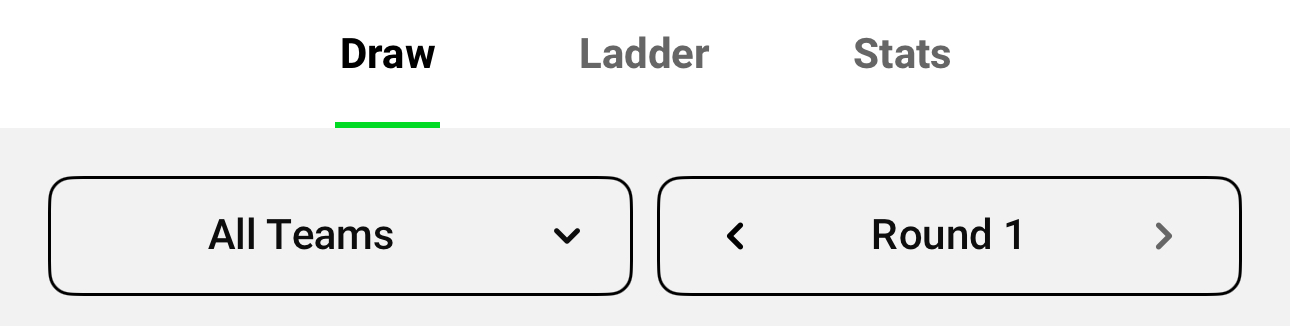
A quick heads-up: If you are updating your app, you’ll need to re-follow your favourite teams to see their draws, ladders and competition stats. It only takes a few taps: just select “Follow your favourite teams” on the home screen, search your club and follow your team again to stay connected.
Download the MyLeague App on iPhone (iOS)
We've had an update! Make sure to update your MyLeague app to check out the new features. You may need to uninstall and re-install the app.
Click here to open the App Store on your device and download the MyLeague app.

Note: to utilise some app features, such as the links to Profile, MySideline Manager and Find a Course, you will need to sign in to your NRL.com Account.
Download the MyLeague App on Android
We've had an update! Make sure to update your MyLeague app to check out the new features. You may need to uninstall the old version and install the new app.
Click here to open the Google Play store on your device and download the MyLeague app.

Note: to utilise some app features, such as the links to Profile, MySideline Manager and Find a Course, you will need to sign in to your NRL.com Account.
If you have problems downloading or updating your app, please see this article for assistance.
Where can I find more information about the MyLeague App?
Check out the dedicated MyLeague page here!
Was this article helpful?
That’s Great!
Thank you for your feedback
Sorry! We couldn't be helpful
Thank you for your feedback
Feedback sent
We appreciate your effort and will try to fix the article